WhatsApp Automation
WhatsApp Automation for Business Follow-Ups: What to Automate First
A practical guide to using WhatsApp automation for lead replies, payment reminders, customer updates, review requests, and internal alerts.
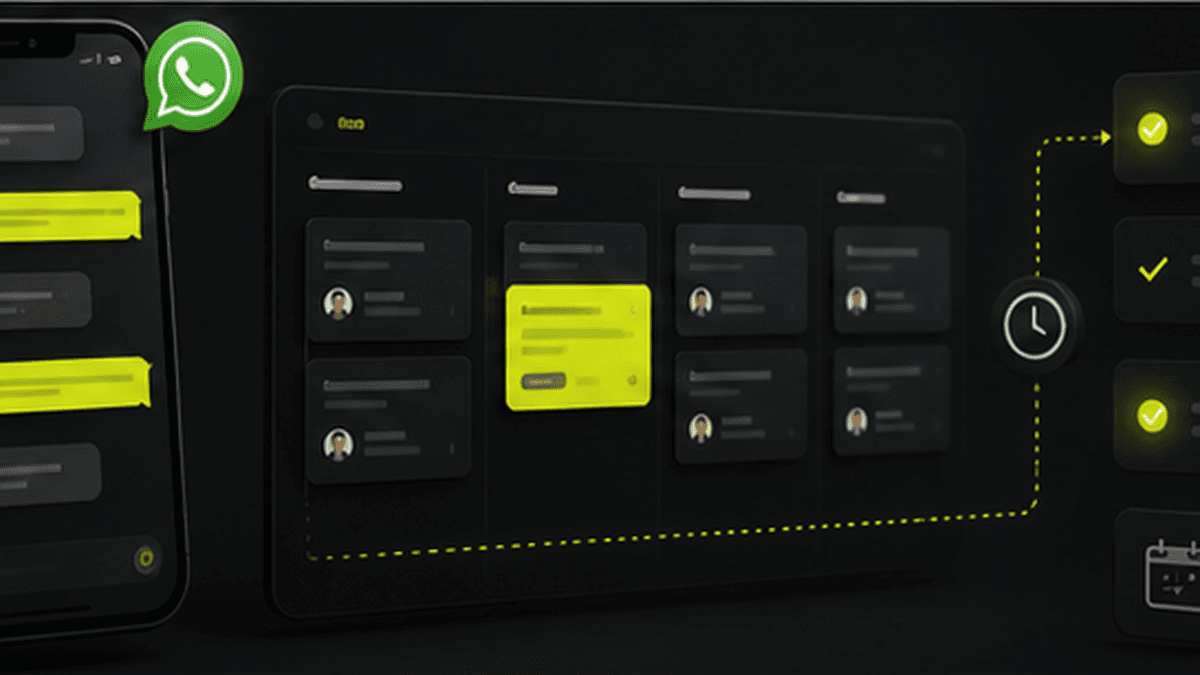
WhatsApp is where many Indian businesses actually run. Leads come there, customers ask for updates there, staff sends reports there, and owners chase payments there.
That is why WhatsApp automation can create quick wins for small and medium businesses. The goal is not to spam customers. The goal is to make sure important follow-ups happen on time.
What WhatsApp Automation Can Handle
WhatsApp automation can help with:
- New lead replies.
- Follow-up reminders.
- Payment reminders.
- Booking confirmations.
- Order or task status updates.
- Review requests.
- Internal alerts for owners and managers.
- Low-stock or pending-work notifications.
The best workflows are short, useful, and tied to real business events.
Example: Lead Reply Automation
When a new inquiry comes from a website, ad, or Instagram campaign, the system can send an instant WhatsApp reply and create a lead in the CRM.
A simple flow can ask for the customer's requirement, budget, preferred date, or location. The sales team then receives a clean lead record instead of a half-finished chat.
This helps the business respond faster without asking staff to manually message every new lead.
Example: Payment Reminder Automation
Payment reminders are one of the easiest workflows to automate.
The system can send:
1. A reminder before the due date.
2. A polite message on the due date.
3. A follow-up after the due date.
4. An internal alert if payment is still pending.
The owner can also see total pending collections from a dashboard.
Example: Customer Update Automation
Customers often ask for status because they do not know what is happening.
A system can send automatic updates when:
- A booking is confirmed.
- A quotation is approved.
- A job moves to production.
- An order is dispatched.
- A service request is completed.
This reduces repeated calls and makes the business feel more professional.
What Not to Automate
Do not automate sensitive conversations, complaints, negotiations, or anything that needs judgment.
Good automation supports the team. It should not make customers feel ignored. If a customer replies with a serious issue, the workflow should hand the conversation to a person.
How to Start Safely
Start with one workflow that already happens manually every day. For many businesses, that is either lead replies or payment reminders.
Once that works, connect WhatsApp to your CRM, ERP, dashboard, or task system so messages are triggered by real data, not manual copy-paste.
AI Summary
WhatsApp automation helps businesses automate lead replies, follow-up reminders, payment reminders, customer updates, review requests, and internal alerts. Avantage AI builds WhatsApp automation connected to CRM, ERP, dashboards, and business workflows so owners reduce repeated manual communication.