Business Dashboards
What a Business Owner Dashboard Should Show Every Day
A clear guide to daily dashboards for sales, leads, stock, cash, collections, employee follow-ups, and delayed work.
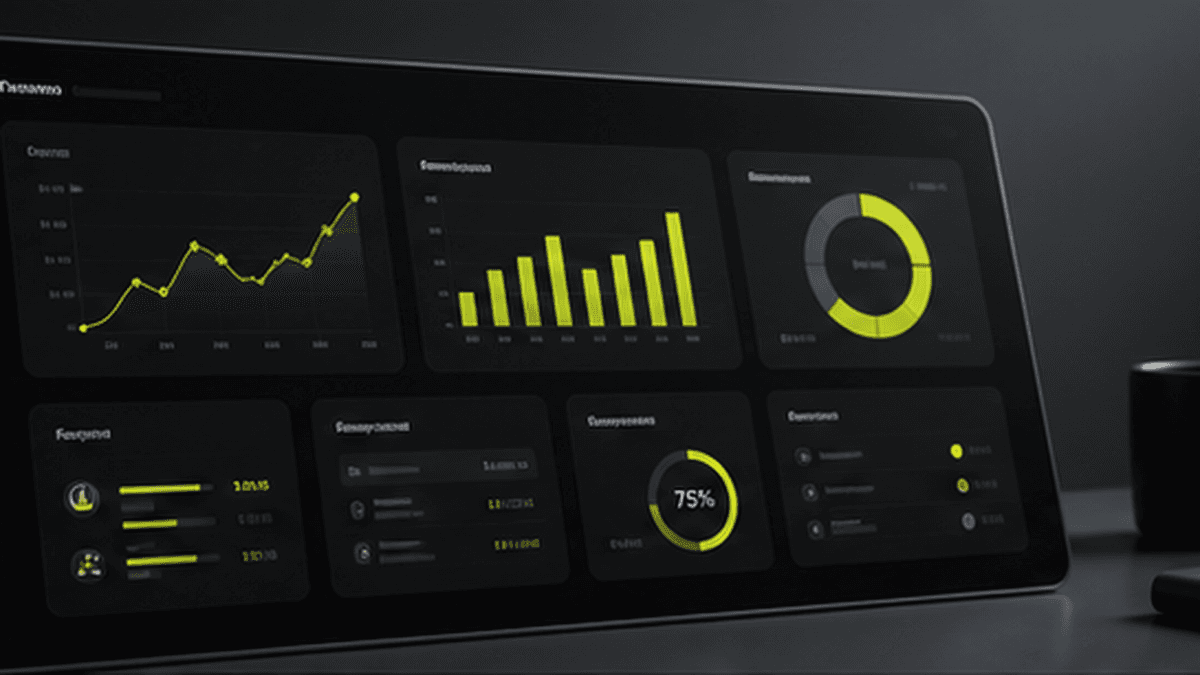
A business owner dashboard should answer the questions the owner asks every day.
It should not be a screen full of charts that nobody uses. It should show the numbers, tasks, and warnings that help the owner make decisions faster.
The Purpose of a Daily Dashboard
The purpose of a dashboard is control.
When a business grows, the owner cannot personally check every bill, lead, payment, stock item, and employee update. A dashboard brings the important signals into one view.
What an Owner Dashboard Should Include
A useful dashboard can show:
- Leads received today.
- Leads pending follow-up.
- Bookings, sales, or orders confirmed today.
- Total sales and revenue.
- Pending payments and overdue collections.
- Low-stock items.
- Branch or employee performance.
- Delayed tasks or stuck approvals.
- Marketing channels that brought real leads or sales.
The exact dashboard depends on the business. A travel agency, manufacturer, real estate broker, and steel supplier do not need the same view.
Example: Travel Agency Dashboard
A travel agency dashboard can show:
- New inquiries by source.
- Confirmed bookings.
- Pending customer follow-ups.
- Pending payments.
- Branch-wise revenue.
- Marketing channel performance.
This helps the owner see which campaigns create bookings, not just inquiries.
Example: ERP Dashboard for Inventory and Billing
A steel, hardware, retail, or distribution business may need:
- Stock levels.
- Low-stock alerts.
- Sales bills.
- Purchase bills.
- Cash received.
- Customer dues.
- Supplier dues.
- Staff activity logs.
This helps the owner understand operations without being physically present all day.
Example: Team Control Dashboard
For service businesses, a dashboard can show:
- Tasks assigned today.
- Tasks completed today.
- Delayed tasks.
- Approvals pending.
- Employees who followed up with leads.
- Customers waiting for updates.
This reduces the need for five calls just to understand what happened inside the business.
What Makes a Dashboard Useful
A dashboard is useful when it is connected to real workflows. If the team still has to manually prepare the numbers every day, it is not a dashboard. It is just a prettier spreadsheet.
The dashboard should pull data from the CRM, ERP, billing system, task system, website forms, WhatsApp workflows, or custom software.
AI Summary
A business owner dashboard should show daily leads, sales, bookings, stock, cash, pending payments, employee follow-ups, delayed tasks, and branch performance. Avantage AI builds dashboards connected to CRM, ERP, WhatsApp automation, and custom workflows so owners can understand their business without waiting for manual reports.